
The OSRS companion for your whole account.
Track skills, drops, quests and farm runs for every character you link. Pair RuneLite and RuneGlass updates as you play.
- 4.8 out of 5 (118 App Store ratings) (opens in a new tab)
- 6,000+ downloads
Everything in RuneGlass
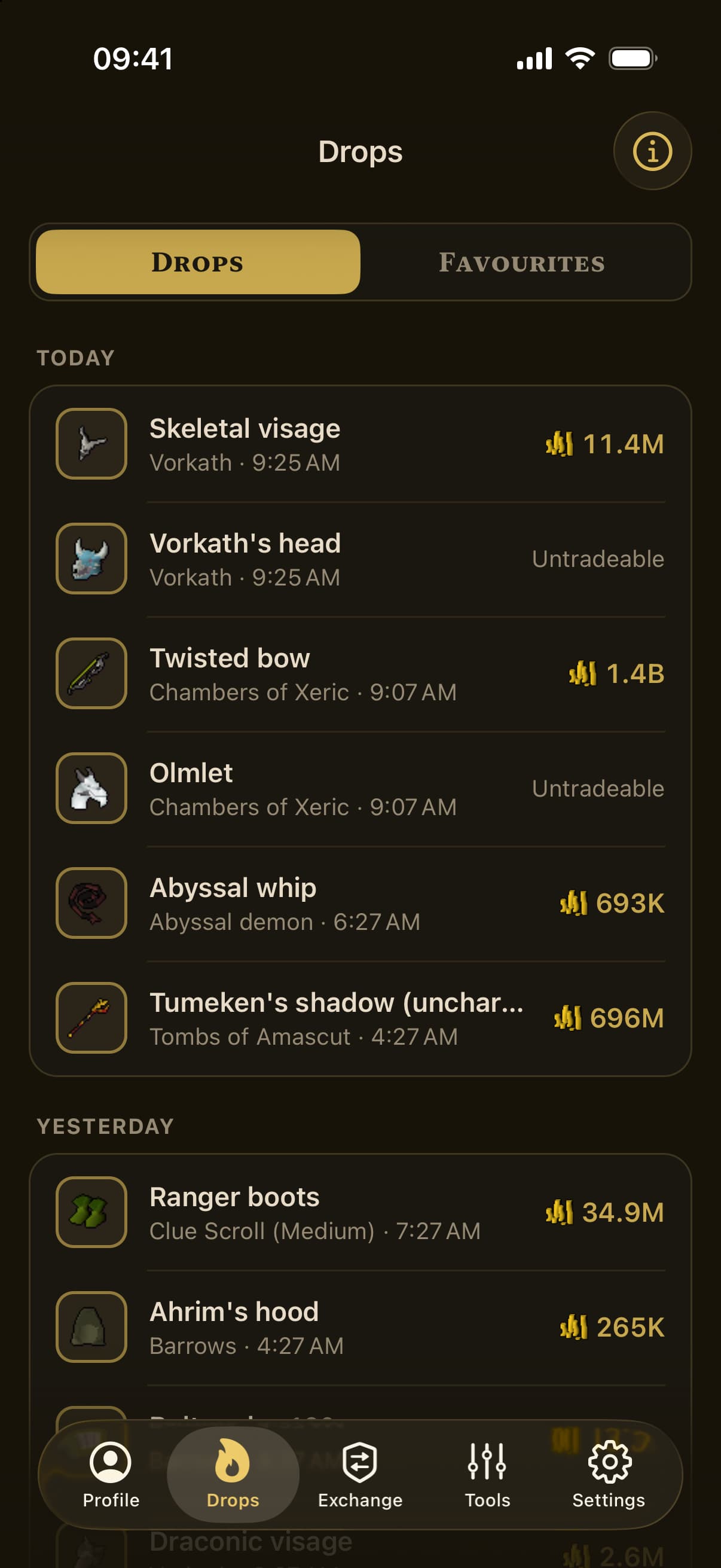
Drops
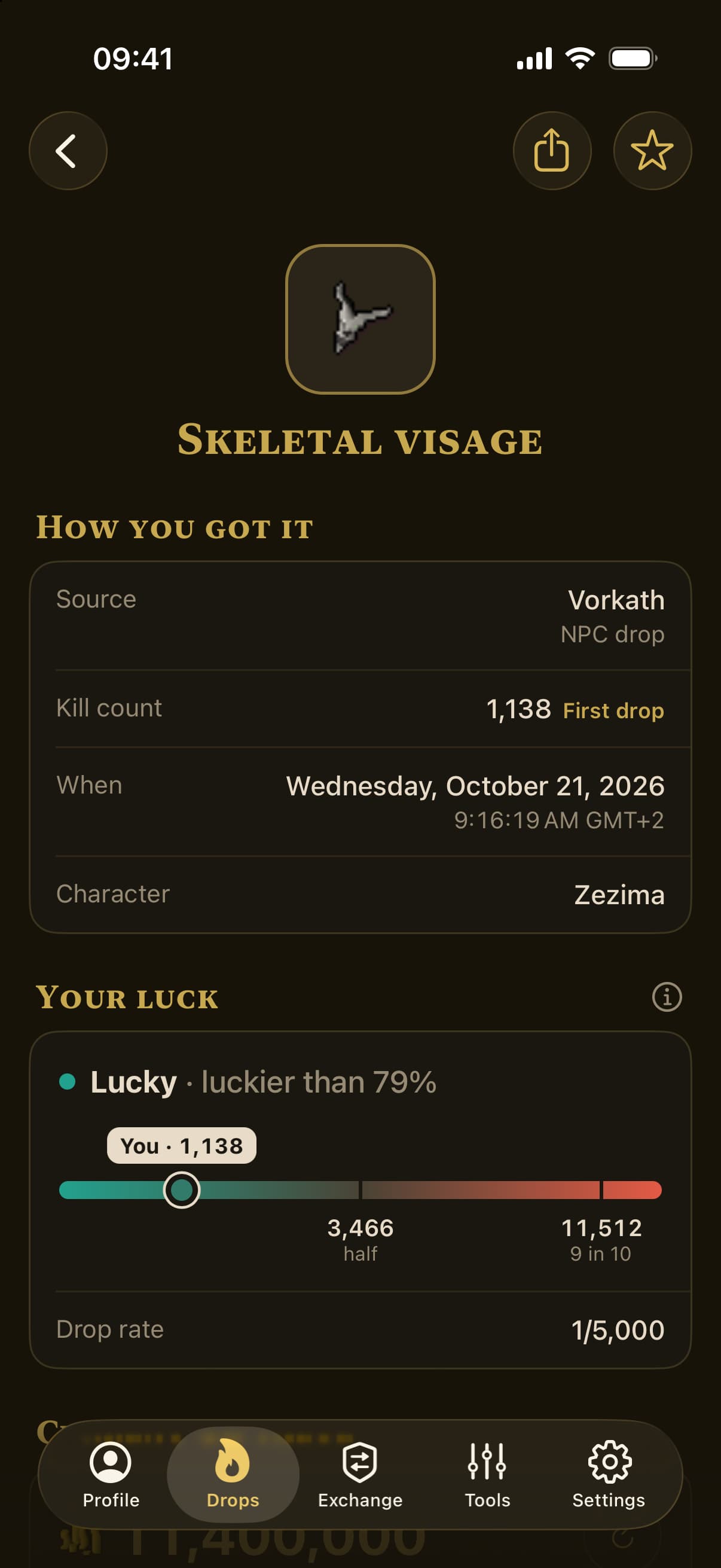
Valuable drops are saved with their GE value, plus a luck rating and drop rate where supported.
Automatic with RuneLiteLearn more about drops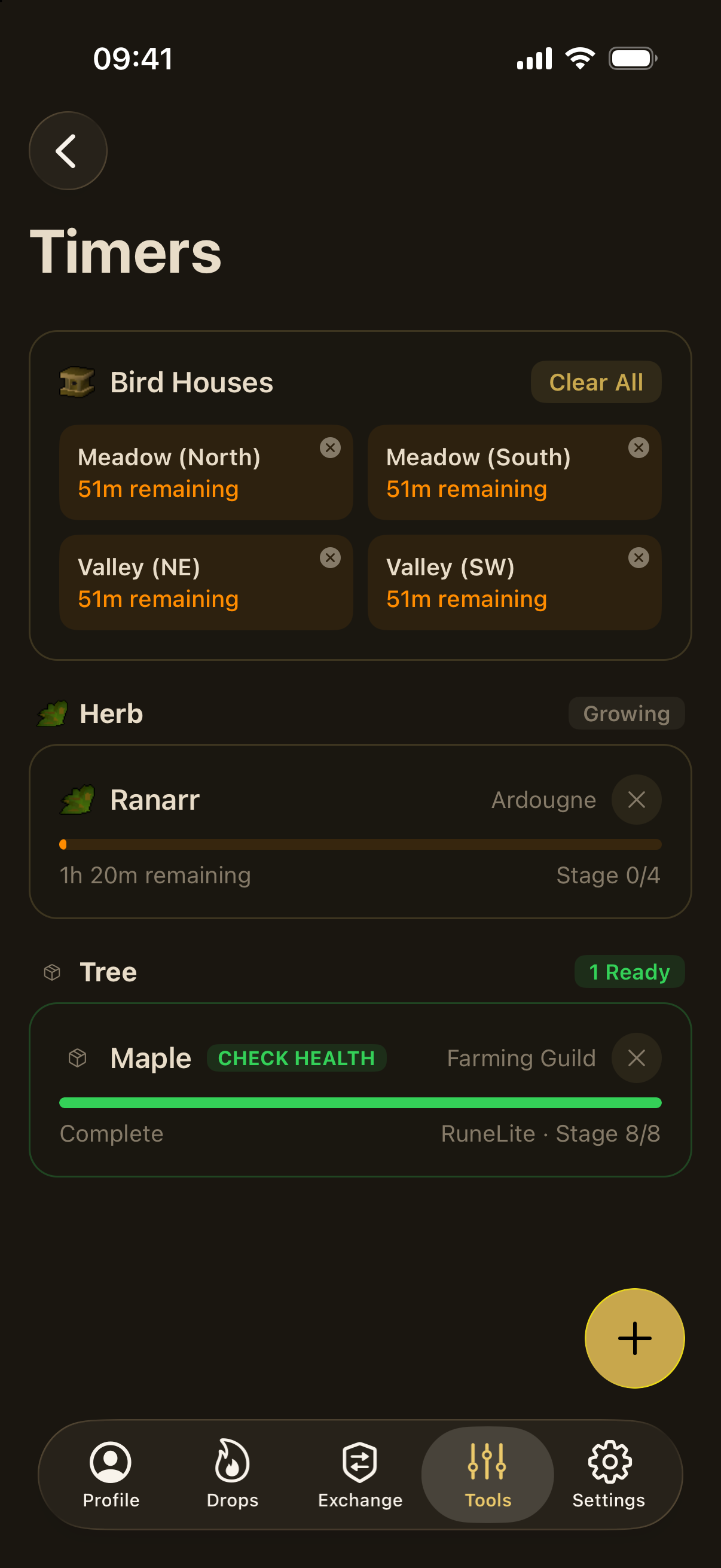

RuneGlassnow
Ranarr Ready!
Your Ranarr at Catherby has finished growing.
Farming timers
Harvest notifications, automatically. Tracks crops and bird houses as you plant, with your next timer on the Tools tab. Ready times are estimates.
Automatic with RuneLiteLearn more about farming timers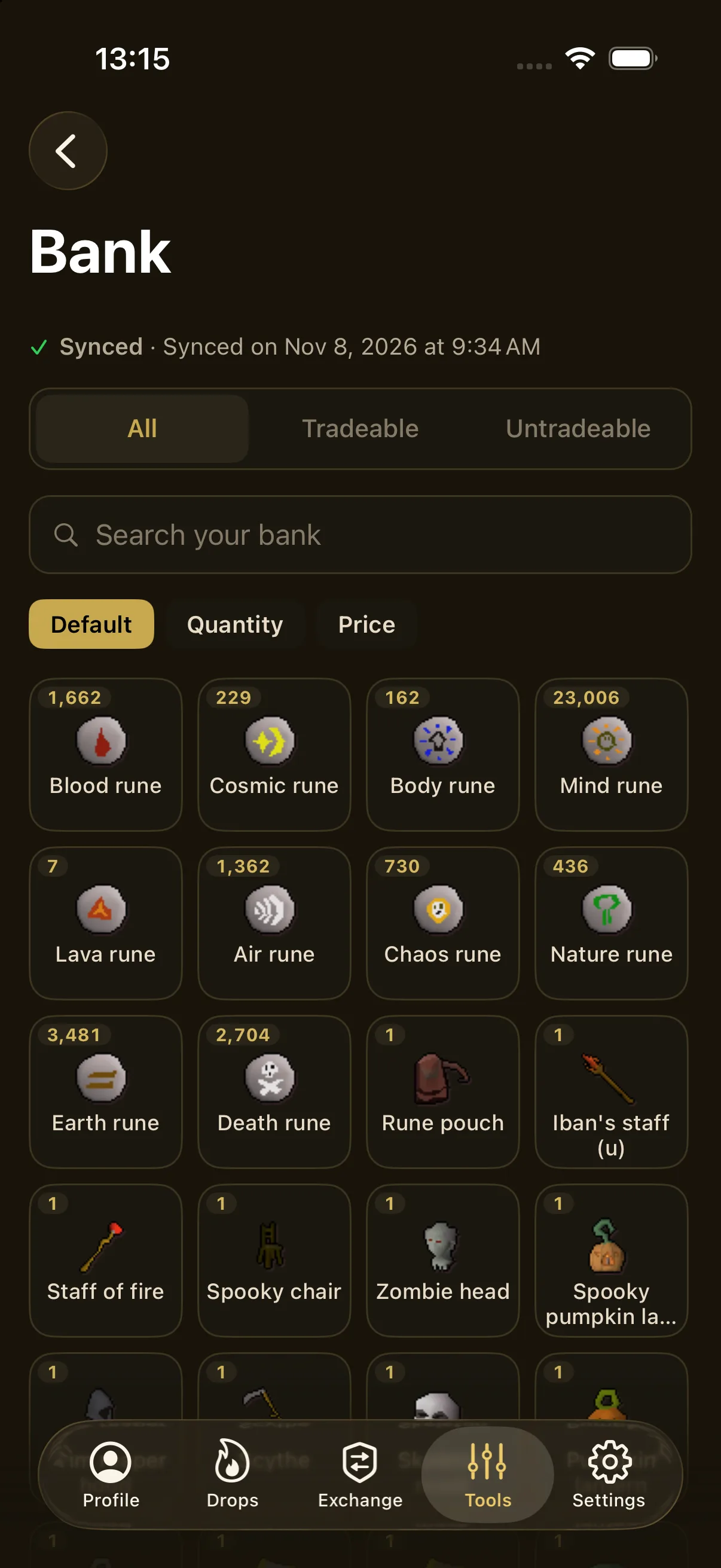
Your bank
Browse, search and sort your bank from your phone. It syncs when you open your bank in RuneLite.
Automatic with RuneLiteLearn more about your bank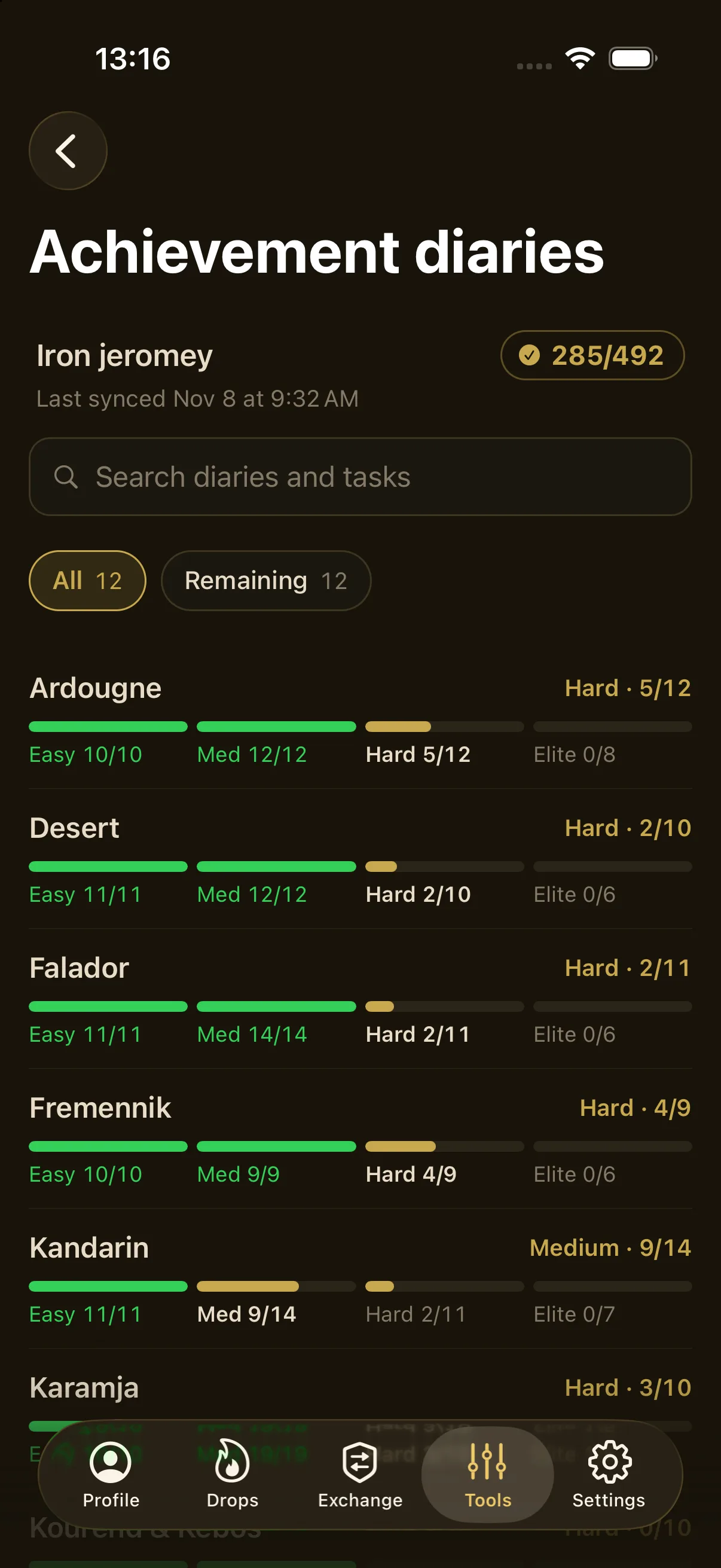
Achievement diaries
Track all 12 regions and 492 tasks. Progress syncs from RuneLite, or tick tasks off yourself.
Automatic with RuneLiteLearn more about achievement diaries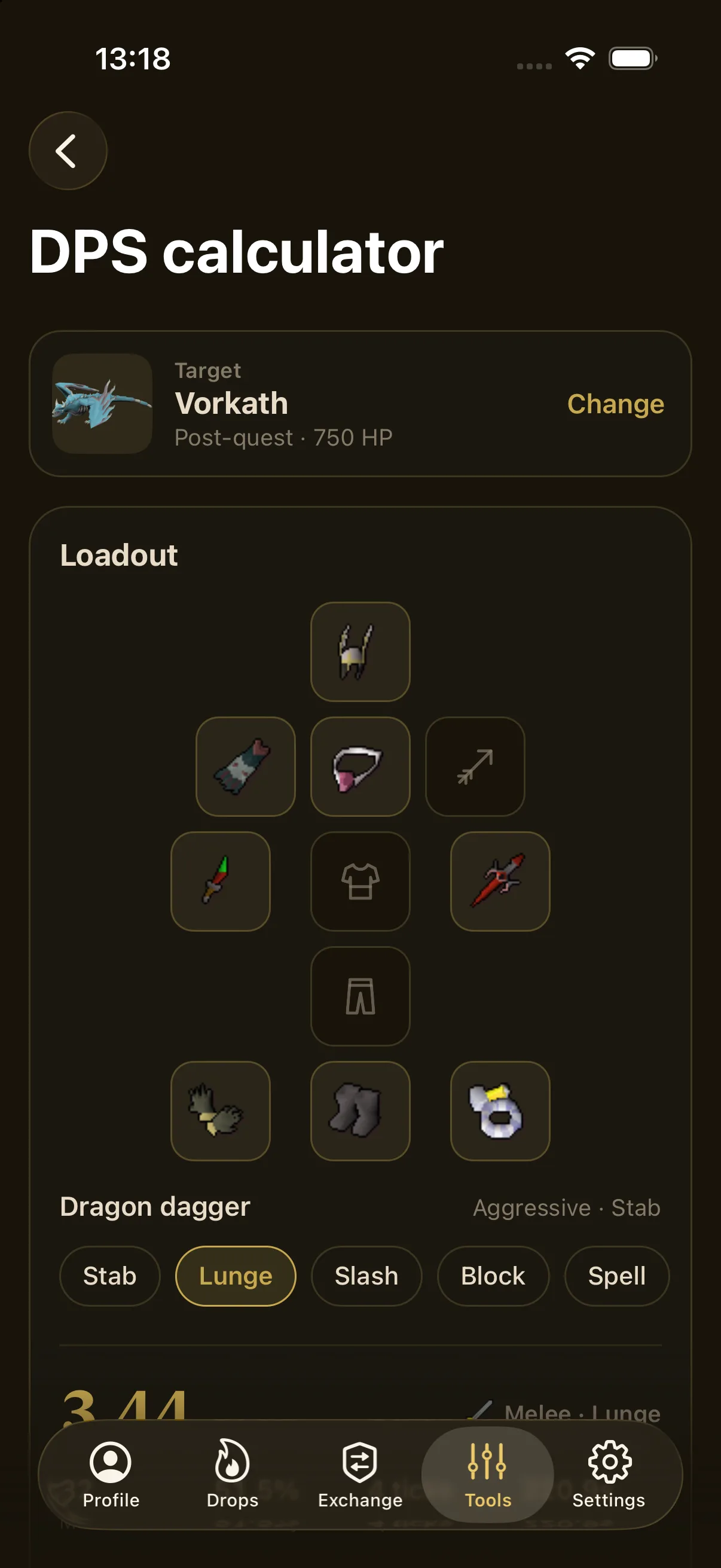
DPS calculator
Pick a target and build a loadout, or let RuneGlass find your best gear from your synced bank.
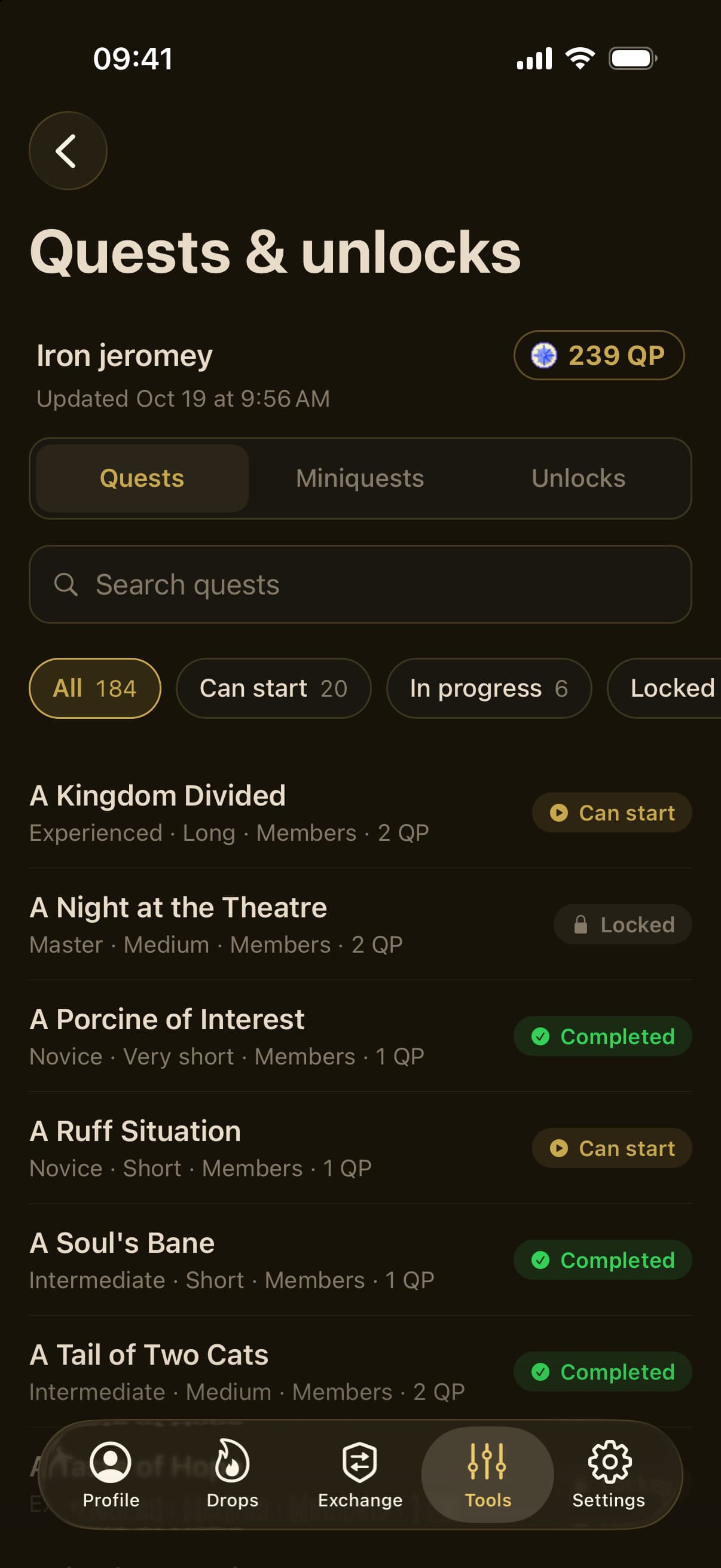
Quest tracking
Quest progress and quest points sync as you play. Search, filter by status and plan unlocks like Prifddinas.
Automatic with RuneLite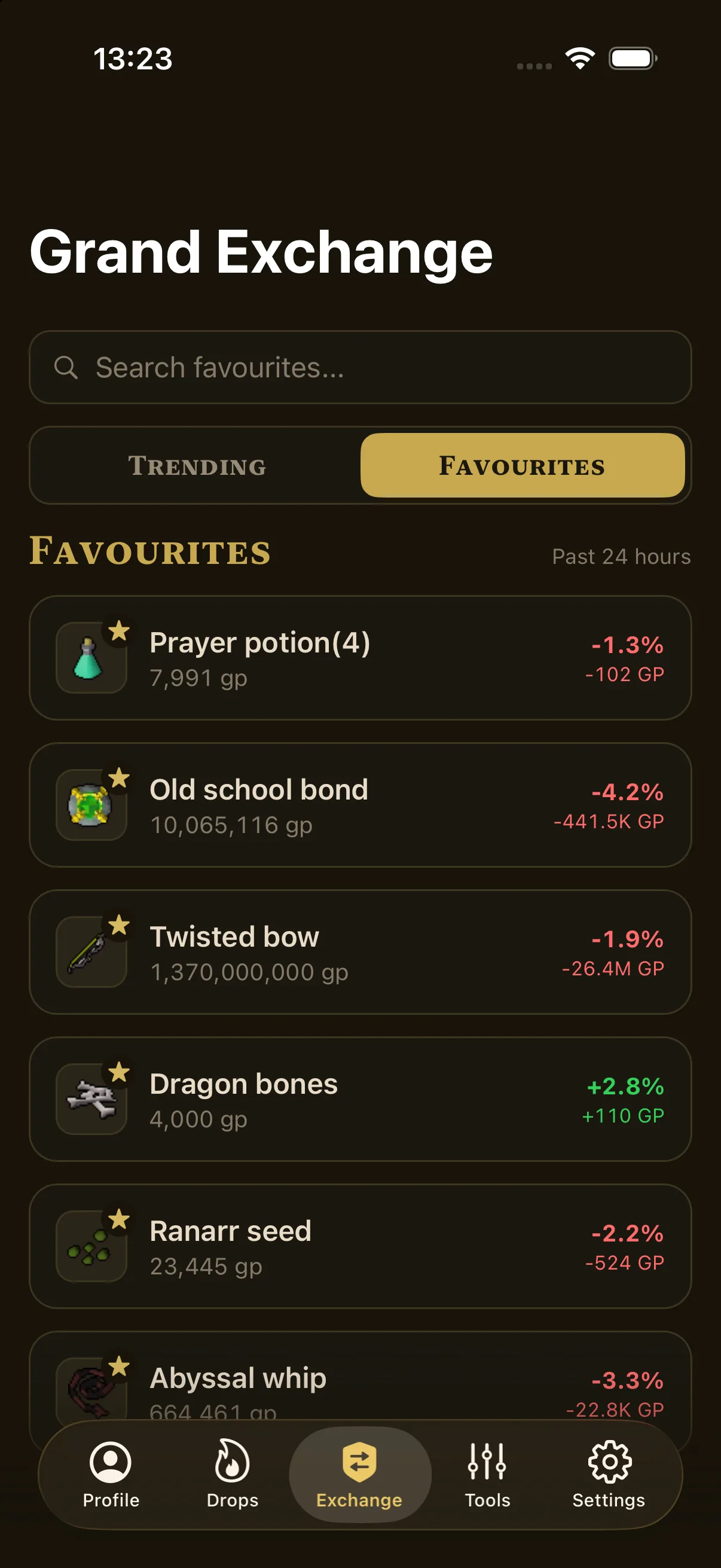
Grand Exchange
OSRS Wiki prices with 24-hour movement and quick item search. Star any item to keep it in a Favourites tab.
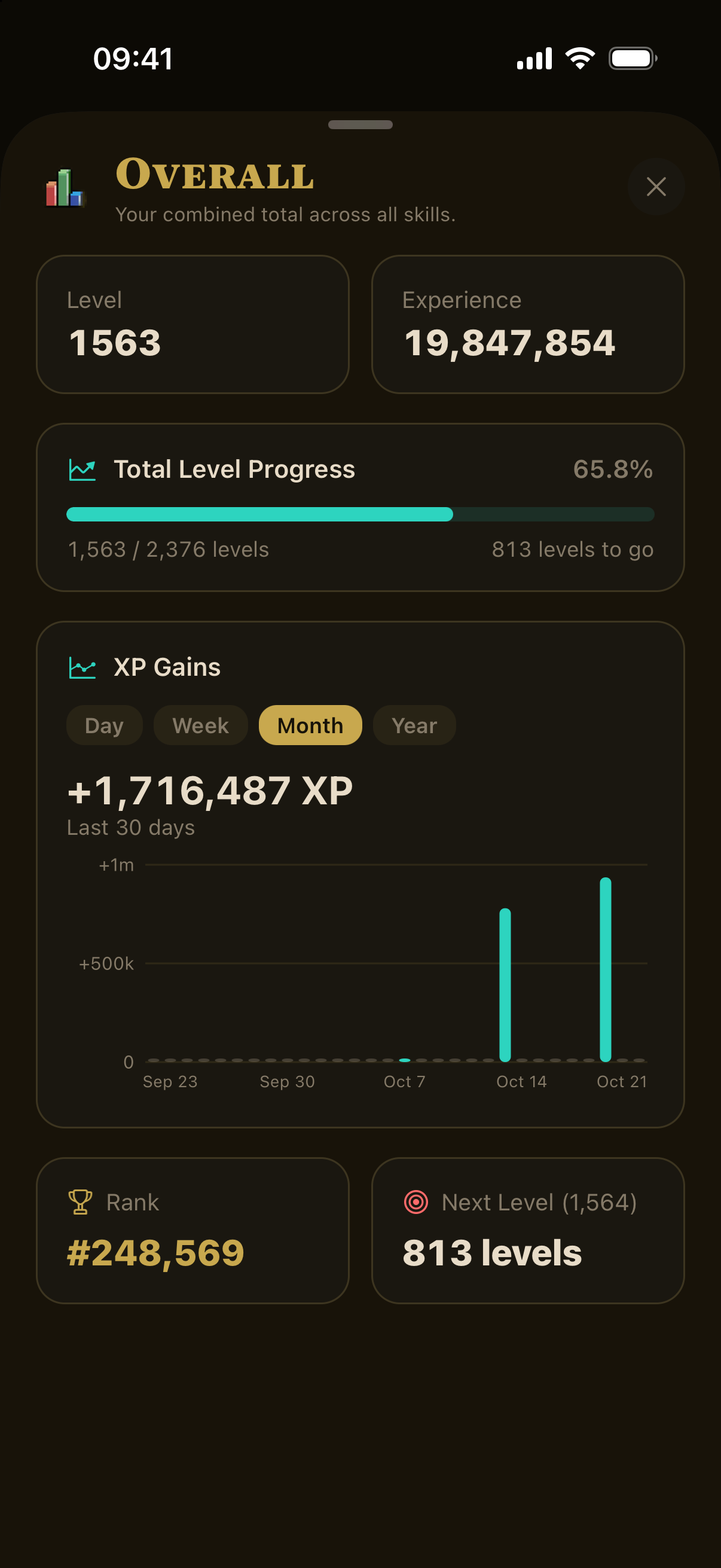
XP tracking
Track your XP gains by day, week, month or year, starting when you connect RuneLite.
Automatic with RuneLite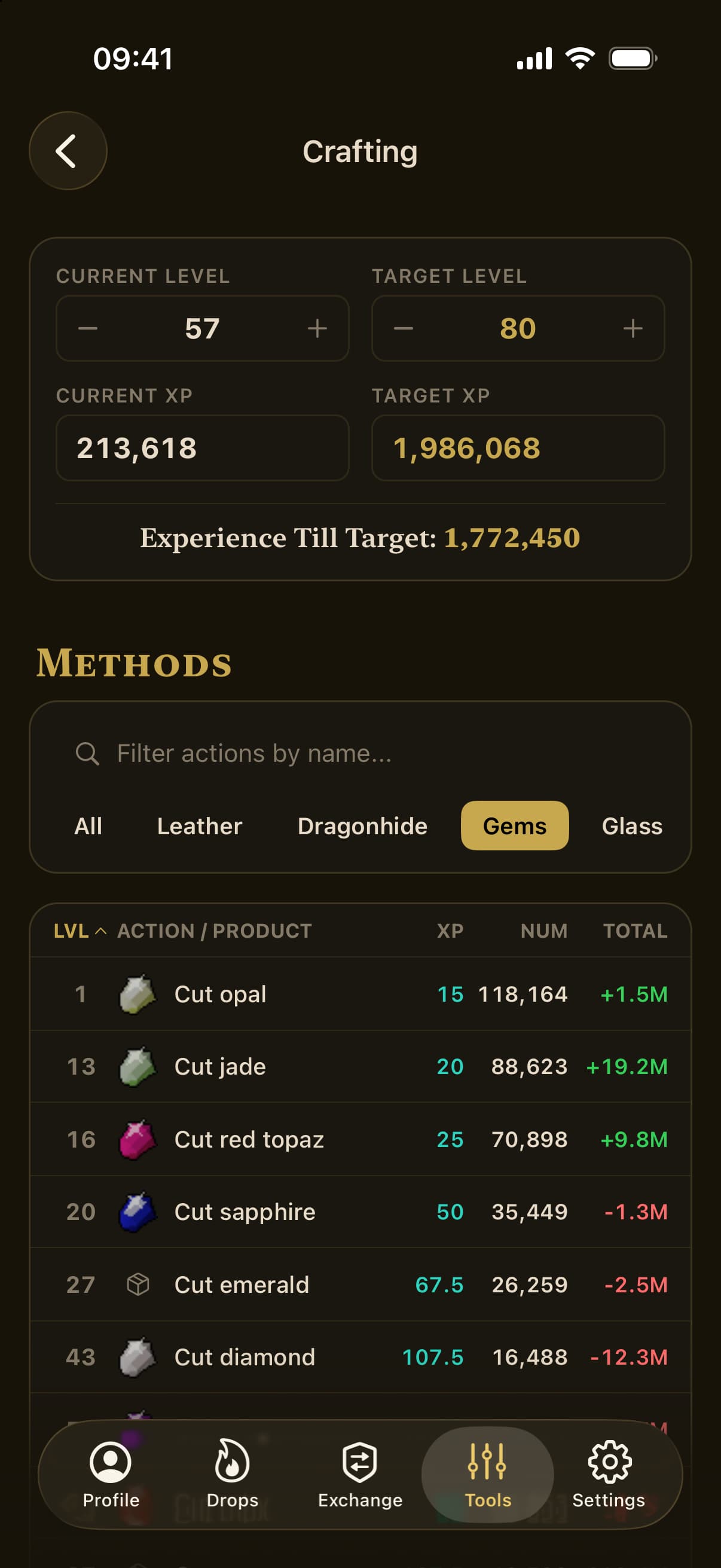
Calculators
Set a target level and compare training methods by actions needed and GE cost.
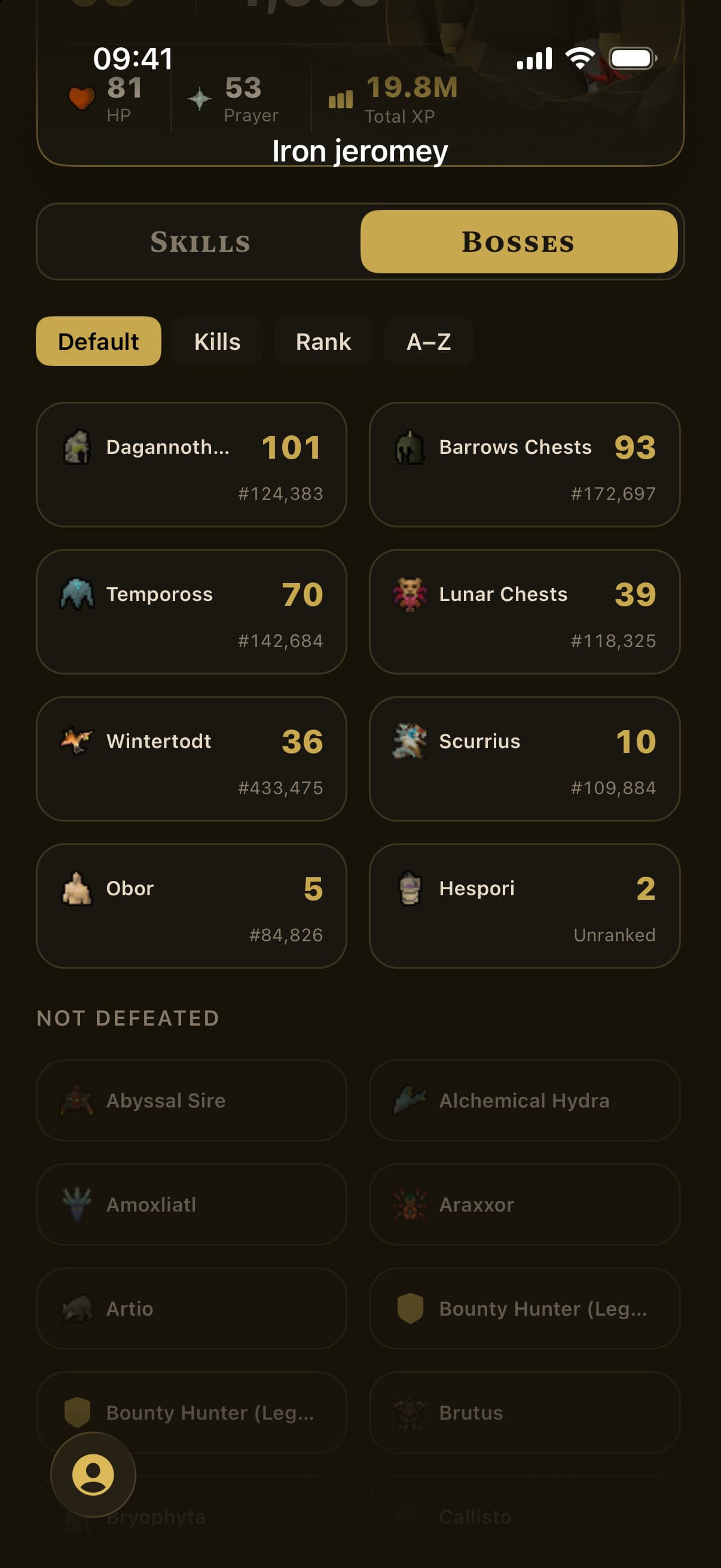
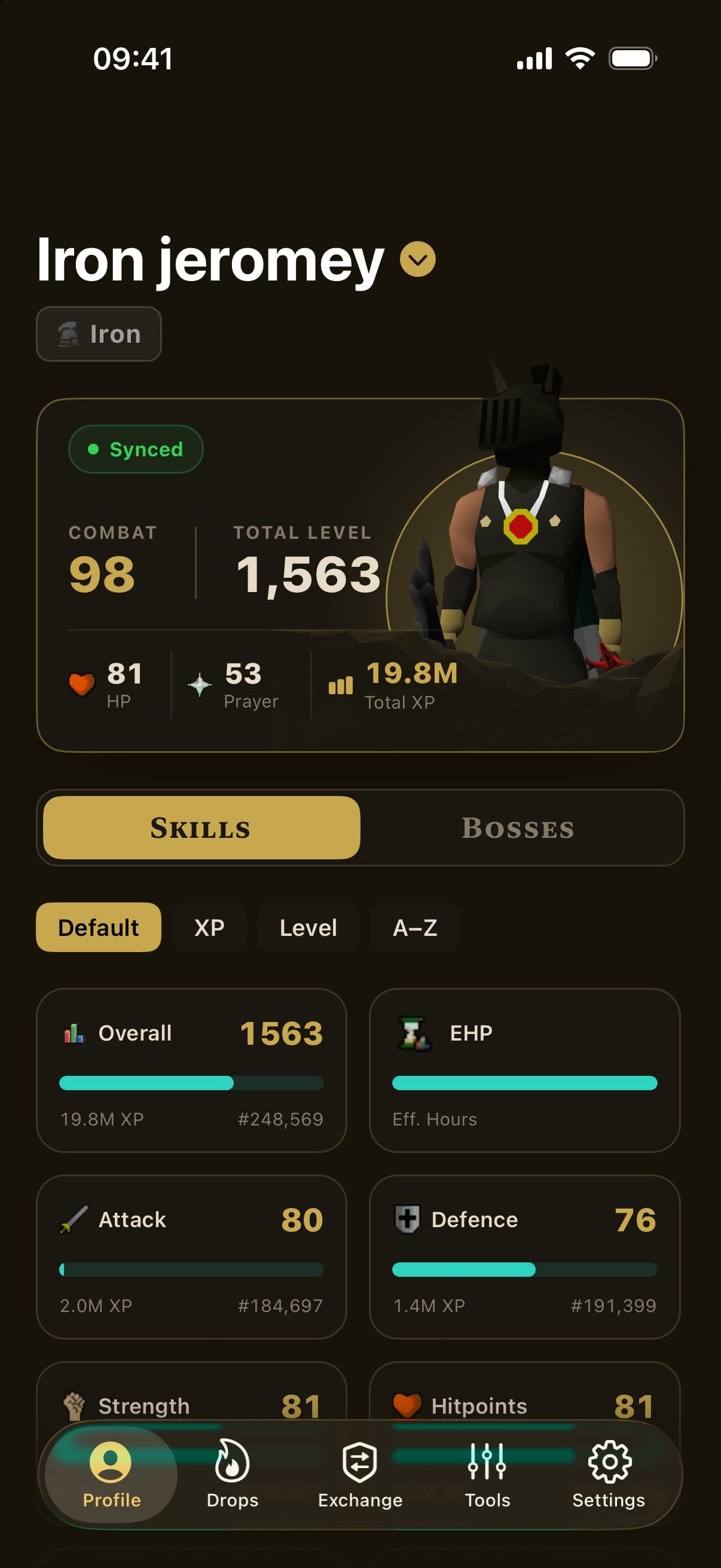
Skills & bosses
Skills that update as you play, plus boss kills and ranks from the Hiscores.
Automatic with RuneLite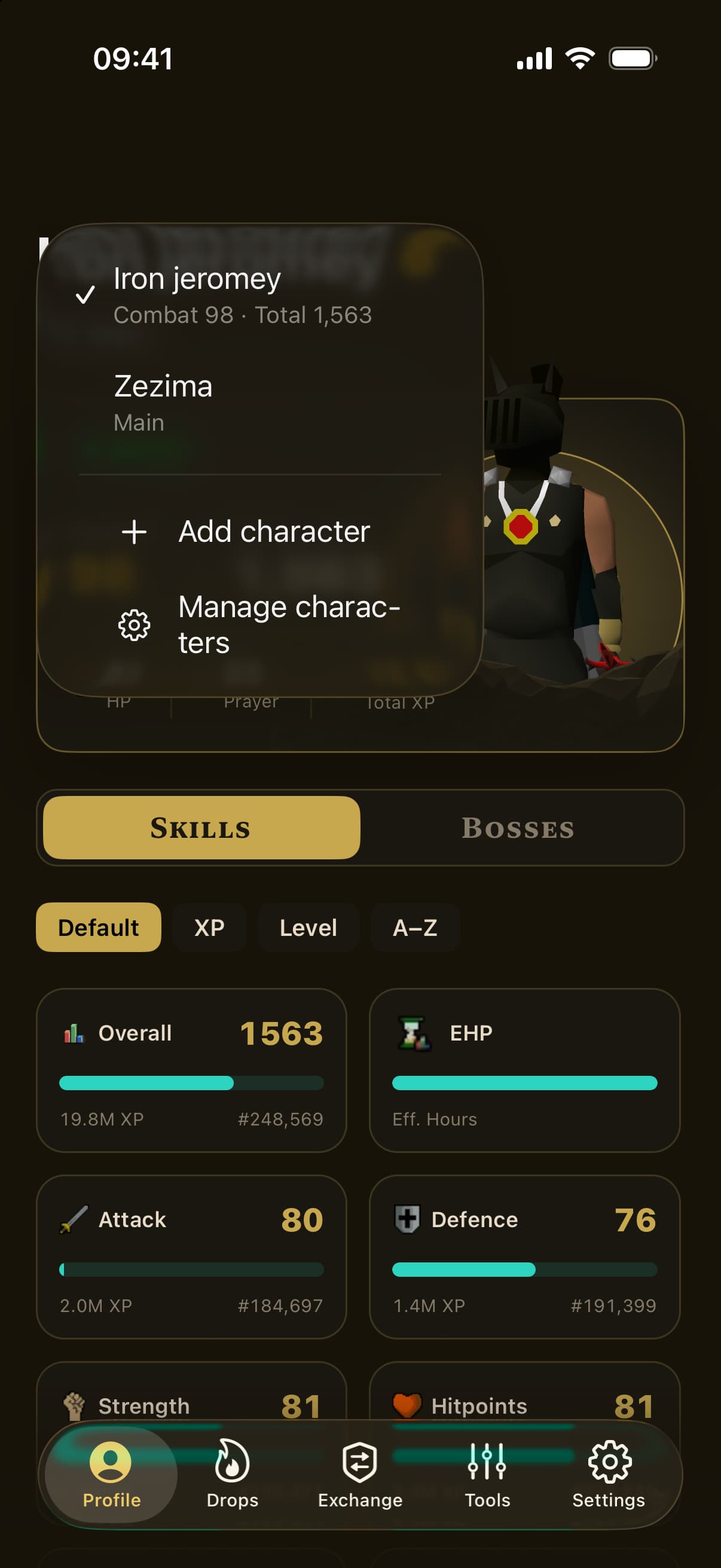
Character switch
Link your main, ironman, Group Ironman and alts, then switch between them from your profile.
Your best drops, saved.
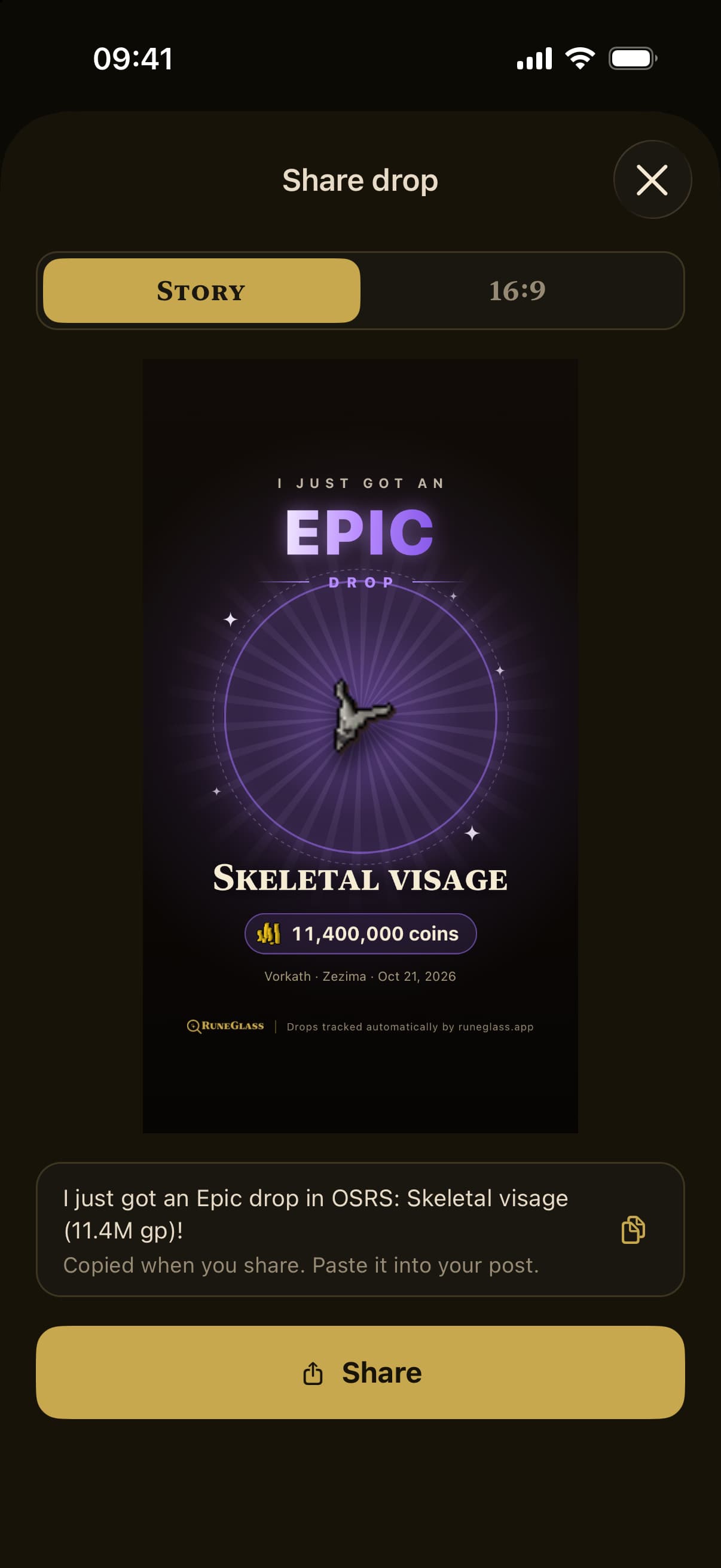
Save valuable drops with their GE value. Supported drops show whether you got lucky or went dry, plus the drop rate. Then share the moment.
Needs RuneLite's Loot Tracker. Drops from before you connect can't be added.
Set up in three steps
Download and sign in
Sign in with Apple, Google or an email code, then link your characters.
Add the RuneLite plugin
Install RuneGlass from the Plugin Hub and turn on sync. Keep Loot Tracker on for drops.
Open in Plugin Hub (opens in a new tab)Pair with a code
Generate a code in RuneLite and enter it in the app. Your account updates as you play.
Learn more about RuneLite sync
Good to know
Do I need RuneLite?
No. Skills and bosses, calculators, the DPS calculator, GE prices, quest browsing, diaries you tick off yourself and timers you add yourself work without it. RuneLite adds everything marked Automatic with RuneLite.
Is my RuneScape account safe?
The plugin never sees your RuneScape login and never automates anything in game. Sync stays off until you turn it on.
How does drop luck work?
Luck looks back at drops you've received. A personal verdict needs a reviewed drop rate and proof of where your wait began: a first copy in your collection log, or a copy RuneGlass recorded earlier.
How do harvest notifications work?
Turn on notifications once. RuneGlass then alerts you when crops and bird houses should be ready. Ready times are estimates.

Your whole account, in your pocket.
Download on the App Store (opens in a new tab)- 4.8 out of 5 (118 App Store ratings) (opens in a new tab)
- 6,000+ downloads
Get RuneGlass updates.
 Made by Jeroen Breevoort, a long-time OSRS player.